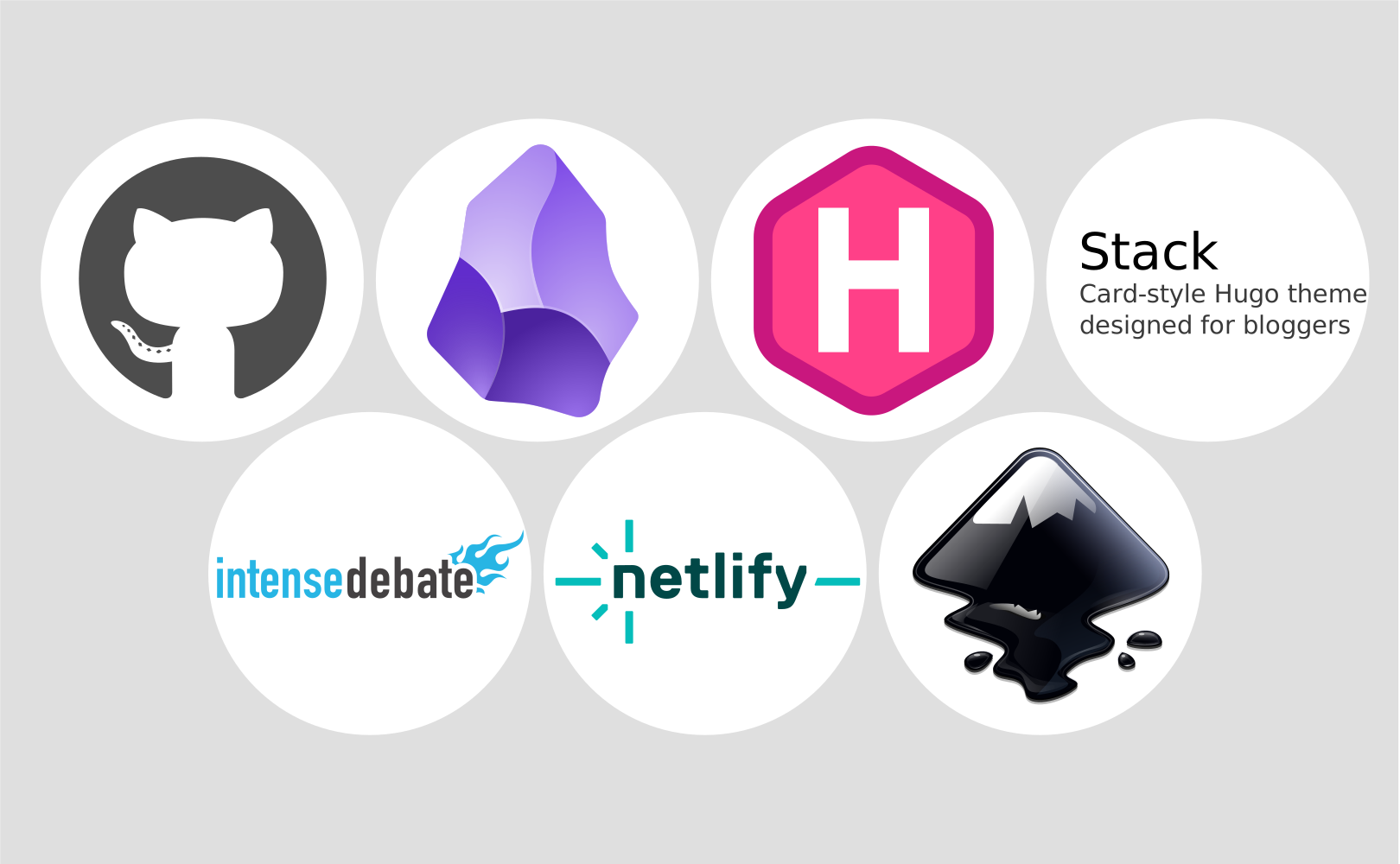
As of today, I have a brand new blog. (You are reading it right now.) The old posts are still here, but the look and feel, and everything under the hood, is different. Everything except the domain name is still free for me.
To read why I transitioned from my old blog to this new blog, see Goodbye blogger!.
This post lists the technologies involved in editing and publishing my new blog.
Markdown
 All the blog content now is in Markdown files, which are just plain text files with some minimal formatting notation. This is very important to me, because it means that my blog content is now in an open format, as opposed to some vendor-specific format such as Blogger, WordPress, etc. Furthermore, since Markdown files are text files, they are extremely versatile: I can use any text editor to edit them, I can use text search tools, text transformation tools, I have unlimited search-and-replace capabilities, I can put them on version control, etc. I love Markdown. Everything should be in Markdown.
Obsidian
 For editing Markdown files I use Obsidian, a cross-platform desktop application which is proprietary but free. Obsidian gives me a very nice markdown editor, which, although not perfect, is probably the best in existence. Most importantly, Obsidian keeps all my links in sync, so I can freely rename content files and move them around without fearing that the links might be broken. Finally, Obsidian is just a Markdown editor; if a better Markdown editor was to appear one day, I could very easily switch to it, because nothing about my blog content or my editing and publishing process depends specifically on Obsidian.
SVG
 My preferred image file format is SVG, which stands for Scalable Vector Graphics. Of course, in many situations raster images are necessary, and then I do of course use JPG, PNG, etc. but whenever I can, I use vector images in SVG format. I like SVG so much that on some occasions I have gone through the trouble using tracing software to vectorize raster images and create SVG images from them. This requires quite a bit of editing afterwards, so it is time consuming, but I like the small size and unlimited scalability of the result.
Inkscape
 For editing my SVG images I use Inkscape, a popular free and open-source editor for SVG images. As far as I know Inkscape is currently the best available option for SVG image editing, but if something better appears, I can switch to it in no time, because again, nothing about my content or my editing and publishing process depends specifically on Inkscape.
Git
 For version control, I use Git. This allows me to view the history of all changes that I have ever made to my blog. Luckily, there is an Obsidian plugin that provides integration with git, so I can always see what files I have changed from within Obsidian, and I can commit with a single click.
GitHub
 For hosting my git repository on the cloud, I use GitHub. To prevent my drafts from being publicly visible by anyone, the repository is private. Every once in a while I push my local working copy to origin, essentially creating a backup. This means that if something bad happens to my local computer, I have everything on GitHub, and if something bad happens to GitHub, I have everything on my local computer. GitHub is also necessary for automating the publishing progress, see below.
Hugo
 For converting the markdown files to a static website, I use Hugo, a free, open-source, cross-platform, command-line tool that is distinguished for being much faster than other tools that serve the same purpose. Hugo reads the entire directory containing my markdown files, plus another entire directory containing a "Hugo theme", and produces a new directory containing a static website, consisting of HTML, CSS and JavaScript files. Hugo then remains running, acting as a local web-server, making my website available on http://localhost, so that I can view it using my web-browser. As an added bonus, each time I modify any of the content files or theme files, Hugo causes the browser to immediately show the change. Hugo can be replaced with something else, at the cost of learning a new theming mechanism and redoing theme customization.
Stack theme for Hugo
 The theme that I currently use is based on the free, open-source "Stack" theme for Hugo. I have customized the original theme to suit my needs, and my custom files also live on GitHub, alongside the content files. (Same repository but different directory.) When the original theme gets updated by its author, I use a git merge tool to combine the new changes with mine, resolving conflicts if necessary, just as I would do if I was merging program code. This theme could, in principle, be replaced with another, but that would require redoing the customization work.
IntenseDebate
 For commenting I use IntenseDebate, which is a free service provided by Automattic (sic), the makers of WordPress and Gravatar. They provide a small HTML snippet which I have added at the right place in my theme, so it shows at the bottom of every post. The snippet handles everything comment-related: showing existing comments, adding a new comment, subscribing for notifications, etc. Blog commenting is all about spam control, which is a fairly complicated topic, and Automattic (sic) have a lot of experience with spam control, so I trust that they do it right. If it turns out that IntenseDebate does not suit my needs, I can easily replace it with something else.
Netlify
 For serving my static website to the world, I currently have a free hosting plan with Netlify, a well known web hosting company headquartered in San Francisco, USA. This free plan seems to offer enough to suit my needs, and can certainly be upgraded in the future if my personal blog grows into a blogging empire or something. Once the static website has been generated by Hugo, and I decide that it is ready for publishing, I push it to yet another private GitHub repository, and from there Netlify automatically clones it, processes it, and makes it available to the world within a couple of seconds. If it turns out that Netlify does not suit my needs, I can move my blog elsewhere. I am currently also giving Cloudflare a try, which does the same thing, and I will, in all likelihood, be switching to Cloudflare and updating this post. (See Netlify vs. Cloudflare.)
Of course, this is not to say that all of the above tools and technologies are without problems; I will probably be writing some grumpy post in the future listing the issues that I have with each of them. But for now, I am really enjoying the new looks of my blog.
Cover image: the logos of the technologies that I am currently using for blogging.